Images, face swap and voiceover
Image Studio and AI Apps for thumbnails, product shots and narration.
Image Studio
Generate images with Nano Banana Pro (5 credits), GPT Image 2 (7), Seedream 5 Pro (3), Flux 2 Pro (2), Ideogram 4.5 (2, best for text on posters), Nano Banana (2), Grok Imagine or Seedream 4 (1) in 1:1, 9:16, 16:9, 3:4 or 4:3. Add up to 3 reference photos to edit them — change the background, outfit or style while keeping the subject.
Tip: make a strong still first, then animate it as the start image in Video Studio for full control over the first frame.
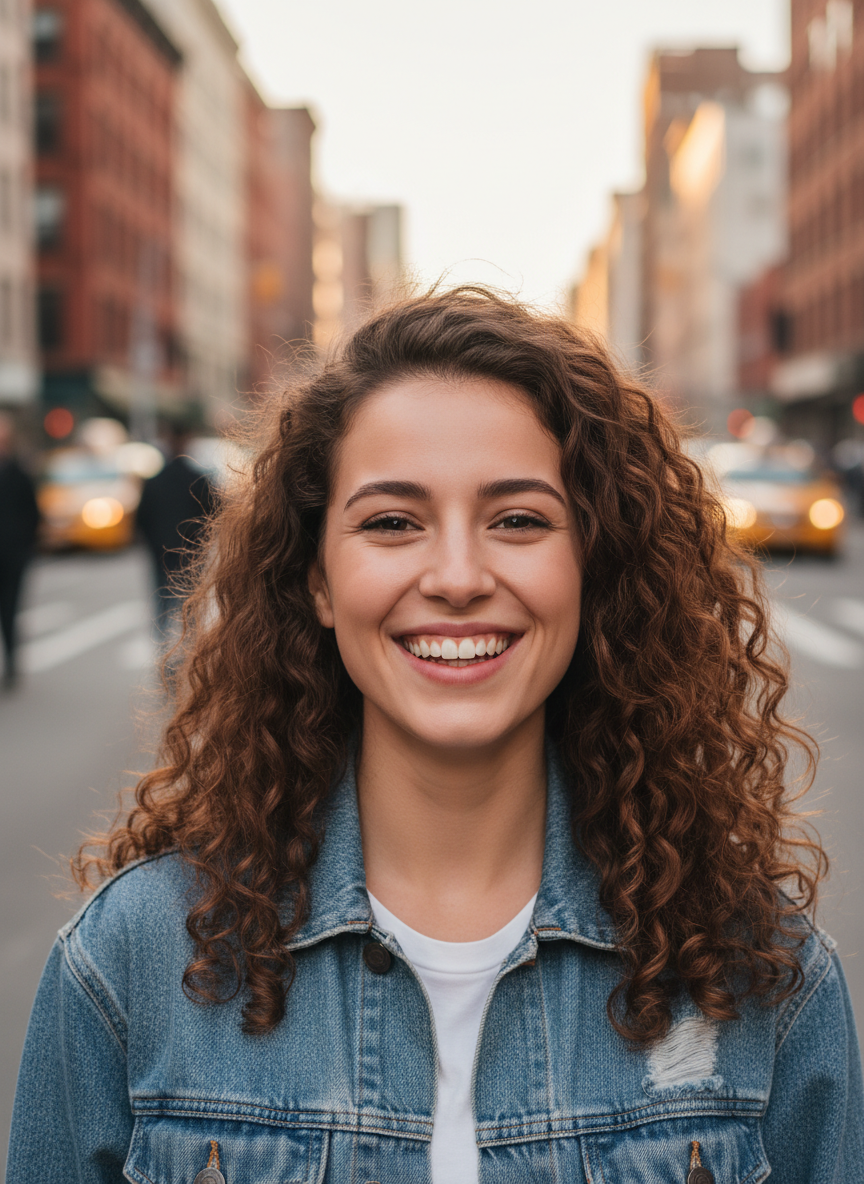
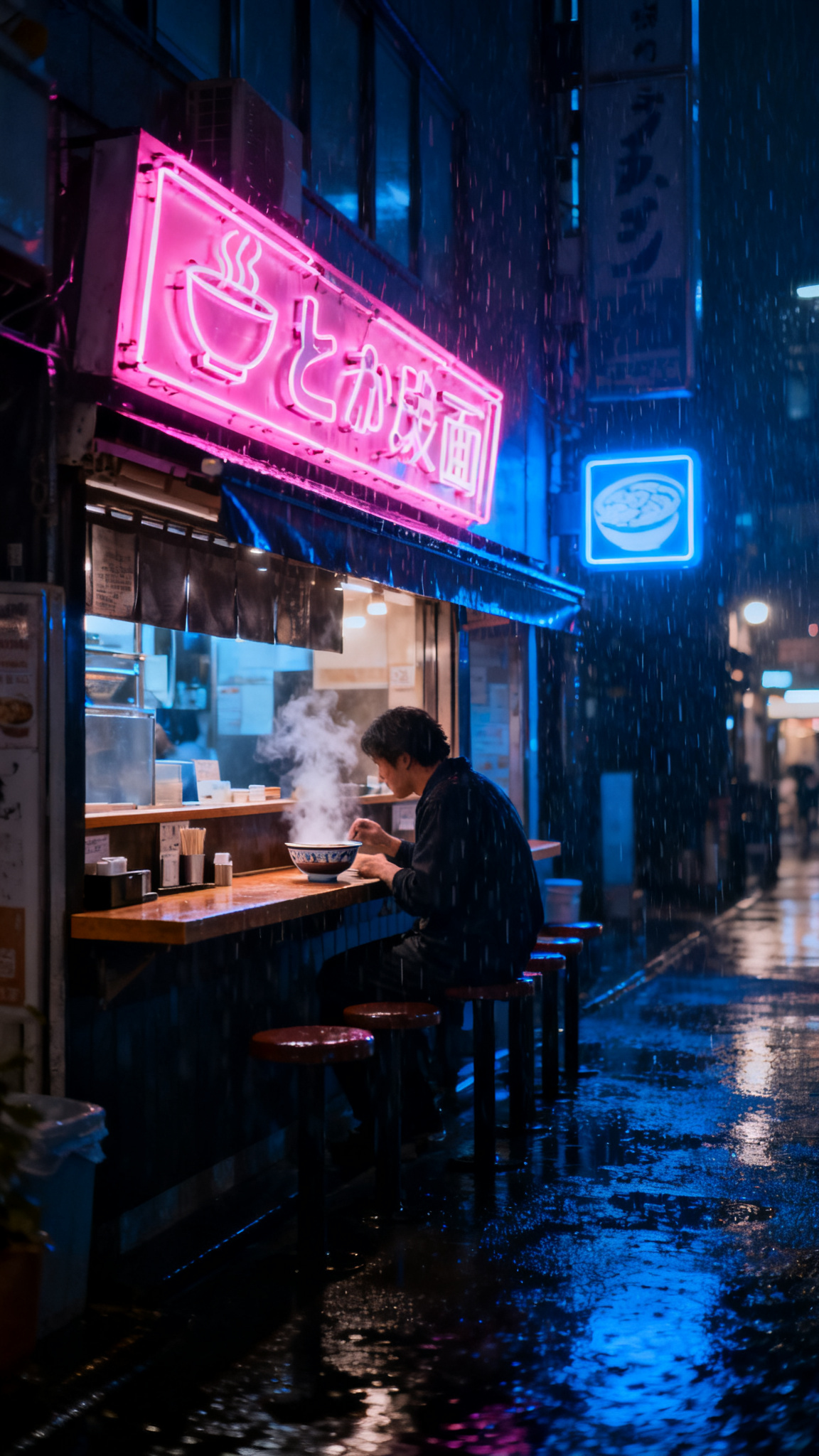
Prompts: "Photorealistic portrait of a smiling young woman with curly brown hair in a denim jacket, city street, soft daylight" and "A neon-lit ramen shop in Tokyo at night, rain, cinematic".
Face Swap
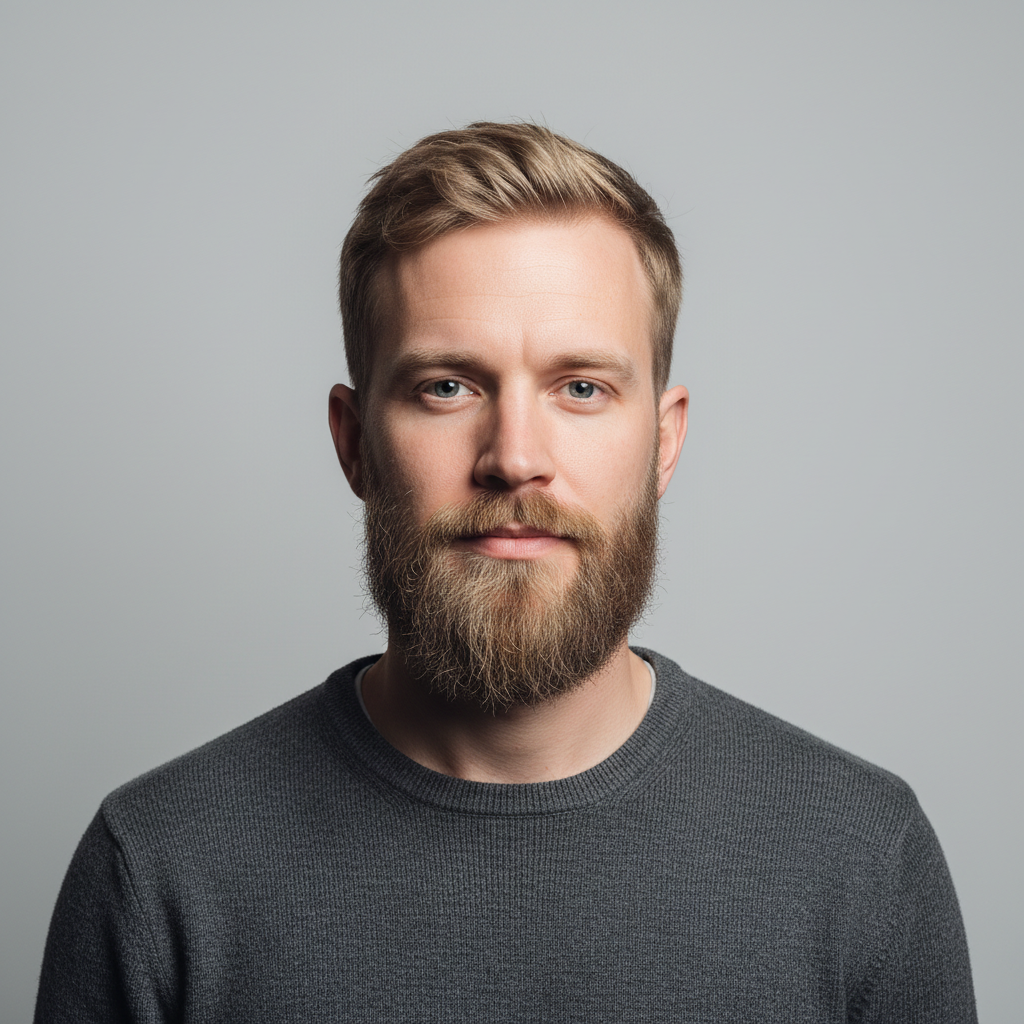
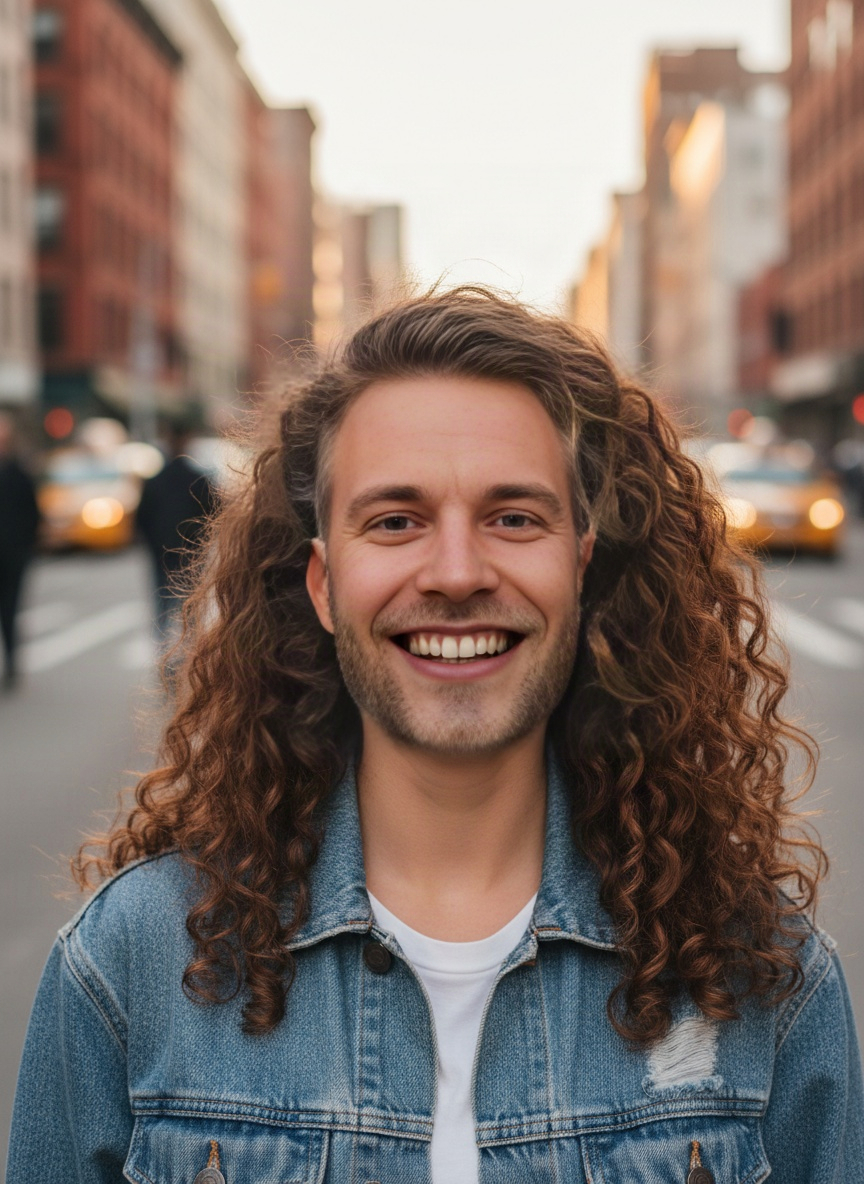
Upload the photo to change and a clear photo of the face. 1 credit. Use it only with faces of people who agreed — yourself, your team, your models.
Outfit Swap
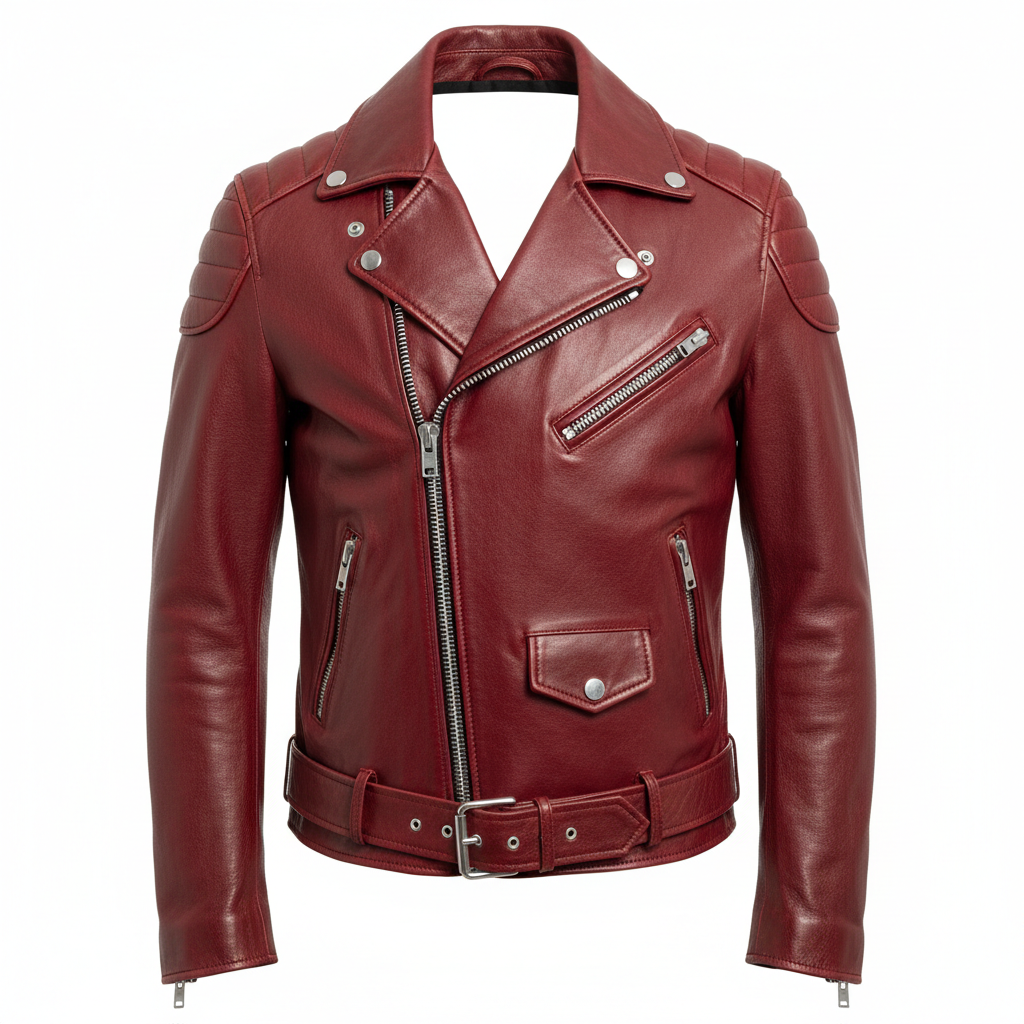
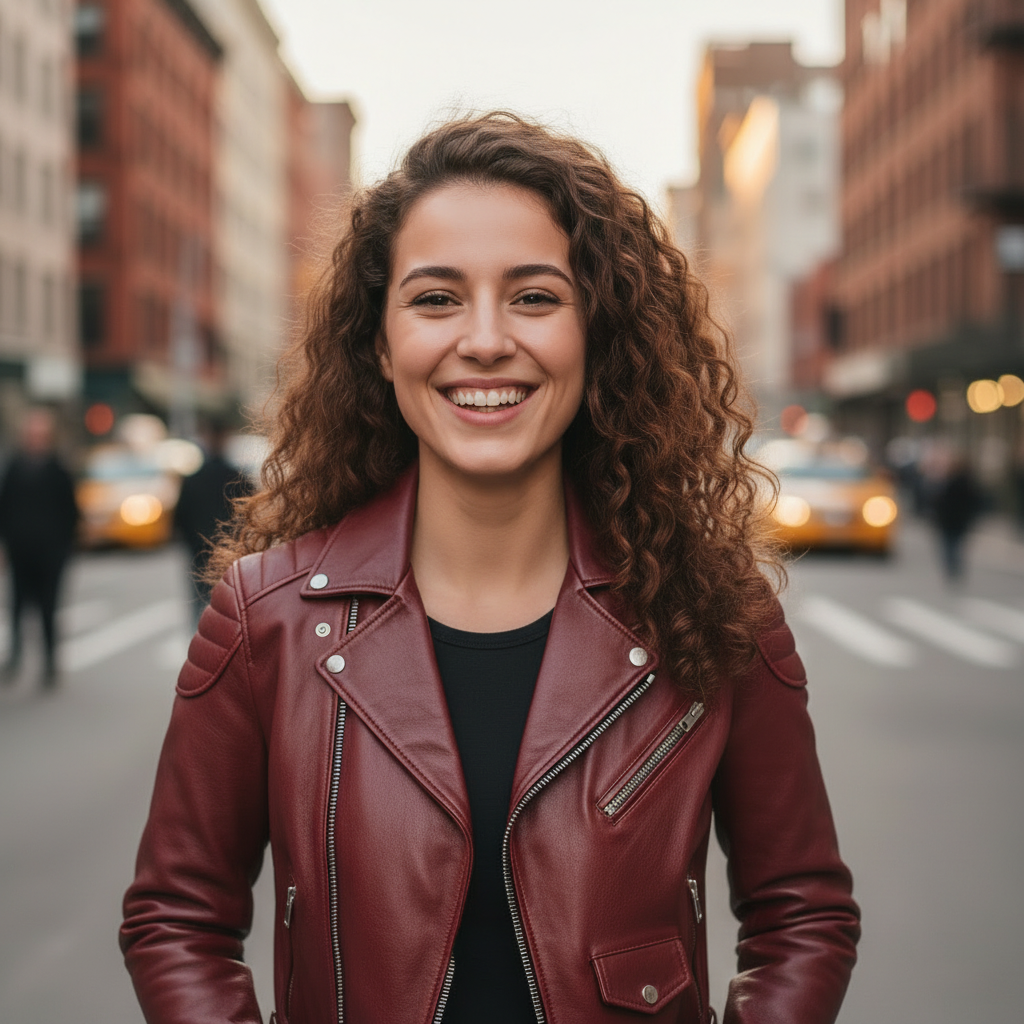
Dress a person in clothes from any product photo. 2 credits. The face, pose and background stay the same.
Relight and Upscale
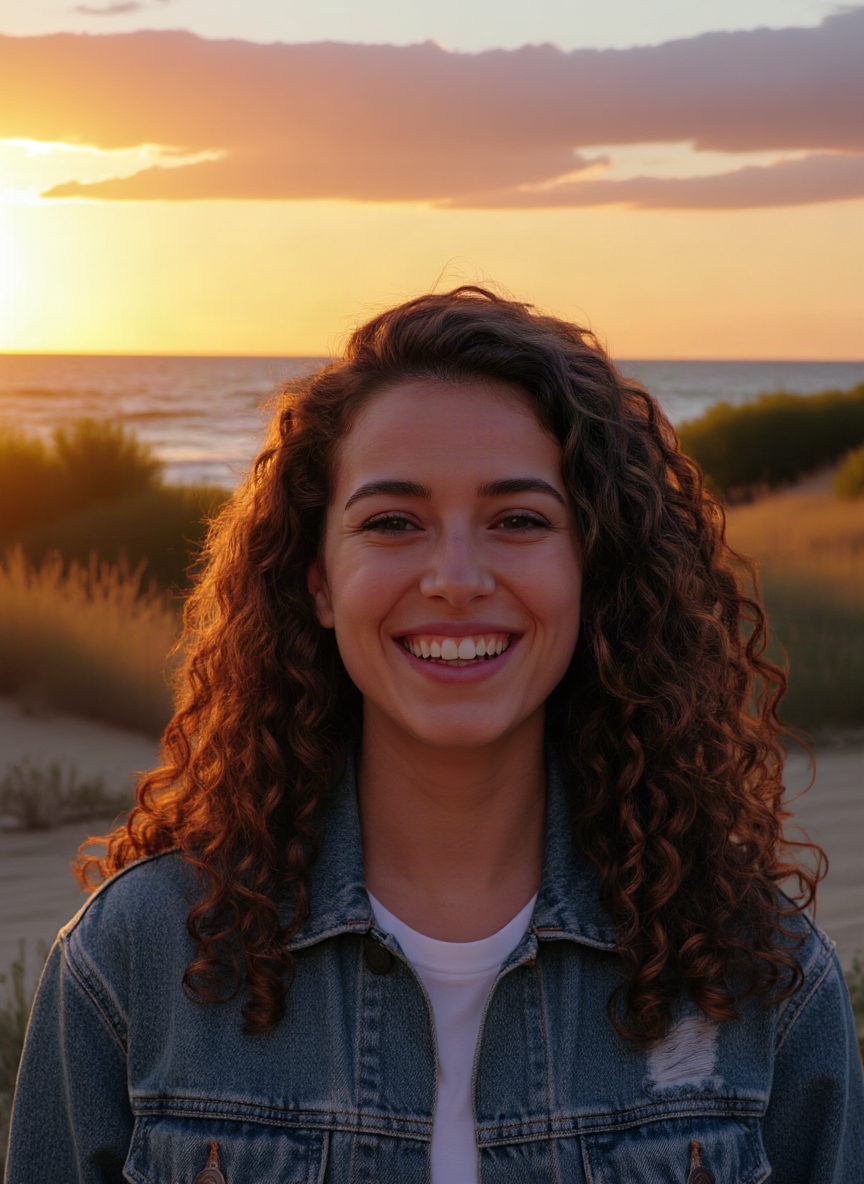
Relight (3 credits) changes the lighting of a photo from a short description. Upscale (5 credits) makes any photo 2× bigger and sharper — handy before printing or for thumbnails.
Voiceover
Paste your script, pick one of 8 voices and get an MP3 in seconds. 1 credit per 300 characters.
Create a thumbnail in Image Studio and a 20-second voiceover for your video.
Open Image Studio